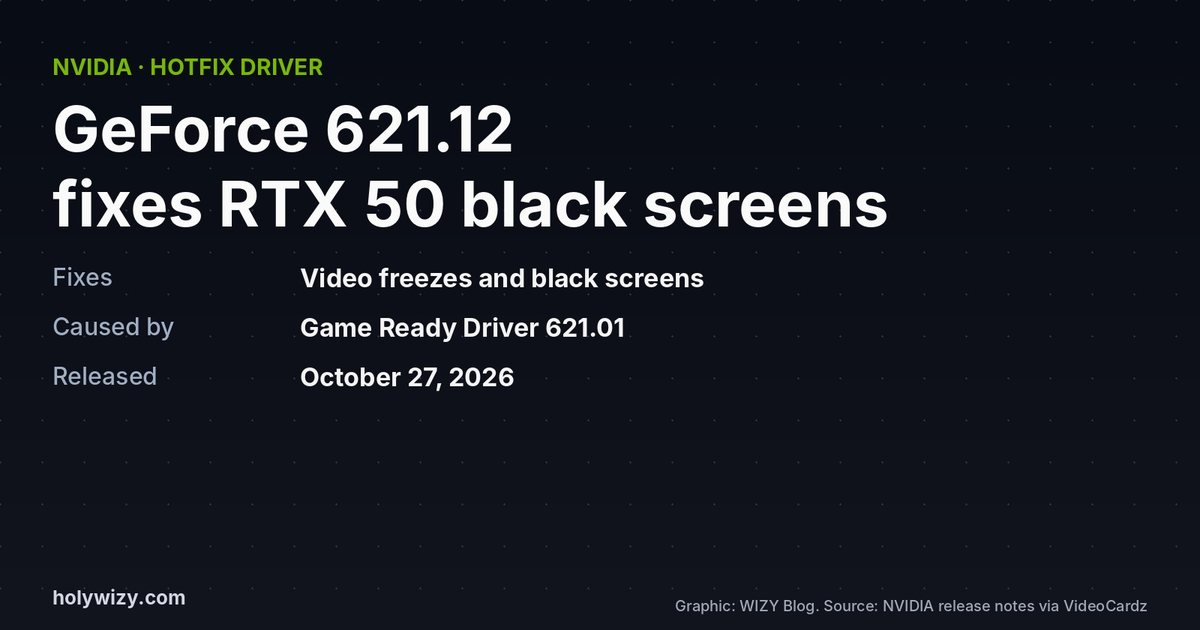
If your RTX 50 series card started freezing or showing a black screen during video playback after a recent driver update, you're not alone. NVIDIA released GeForce hotfix driver 621.12 on October 27, 2026 to fix it. Here's what it fixes and whether you should install it.
This page has affiliate links: if you buy through them, WIZY may earn a small commission at no extra cost to you. As an Amazon Associate I earn from qualifying purchases.
What went wrong
After updating to Game Ready Driver 621.01, some RTX 50 series owners saw video playback freeze or turn black. Reports describe stalls in Chrome, Edge and VLC, sometimes with connected displays going black for several seconds. Early reports came from RTX 5080 owners. NVIDIA says the issue also affects RTX Spark systems.
What 621.12 fixes
- Video playback freezes or black screens on some GeForce RTX 50 series GPUs and RTX Spark systems after 621.01.
- A crash in Unreal Engine 5.8 when Ray Lighting Mode is set to Hit Lighting.
- HDMI image corruption through a StarTech Thunderbolt 3 adapter on RTX Spark.
- Intermittent screen flickering on the MSI N16 Flip.
Should you install it?
- Yes, if you have the problem. If you're on an RTX 50 card and seeing freezes or black screens in videos, this is the fix.
- Otherwise, you can wait. Hotfix drivers are optional and go through a shorter test process than normal certified drivers. NVIDIA says these fixes will be included in its next official driver.
- Download it only from NVIDIA's official website. There are separate packages for Windows 10/11 (x64) and for RTX Spark (Windows 11 on ARM).
Still getting black screens?
If the hotfix doesn't help, check the basics: try a different DisplayPort or HDMI cable (a damaged or low-quality cable is a common cause of signal dropouts), make sure your monitor's firmware is up to date, and do a clean driver install.
My take
A driver that breaks video playback on brand-new cards is annoying, but NVIDIA fixed it within days. If your PC works fine, don't rush; if it's freezing, grab 621.12. Did the 621.01 driver cause you problems?
Sources

Written by the WIZY creator
An independent builder on Monad, working on the WIZY project and the WIZY RPG game. I write about crypto in plain English and about the games I care about, and I check every fact against its source.