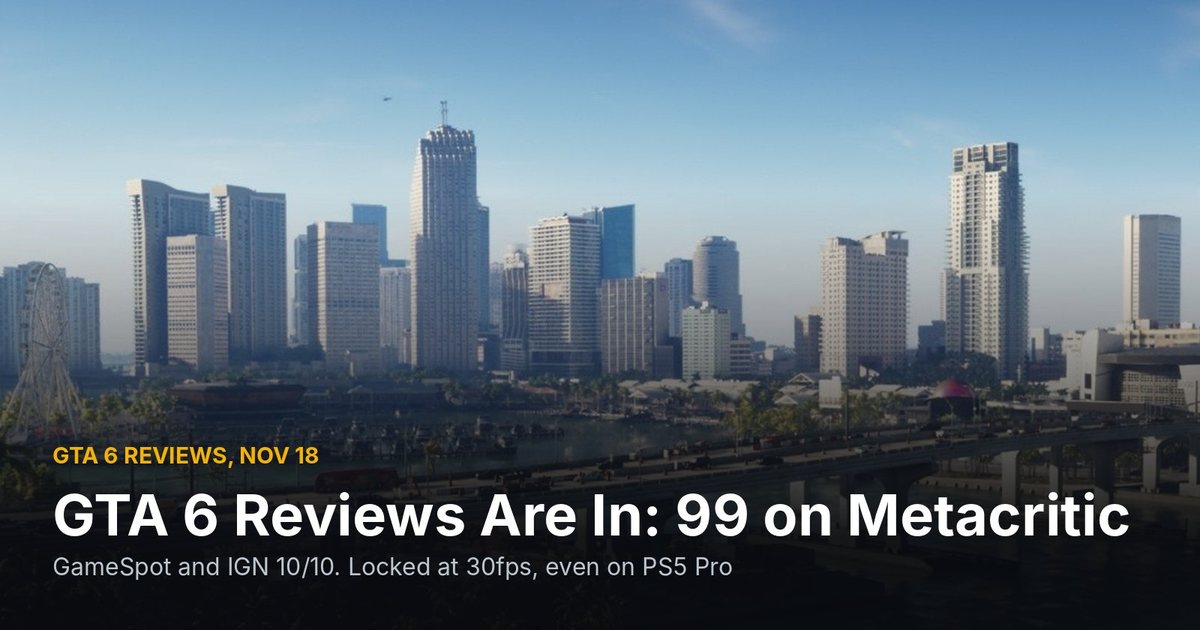
GTA 6 is crashing for some players on PS5 and Xbox, and a few of them lost hours of progress. The autosave doesn't cover everything, and Rockstar hasn't said anything about it yet. If you're playing tonight, save by hand. It takes ten seconds.
Published November 19, 2026, about 7:45 a.m. ET. We'll add a line here if Rockstar posts a statement or a patch.
What players are reporting
The reports started piling up a few hours after launch. Notebookcheck rounded them up overnight: crashes and reboots on PS5 and Xbox Series X, with some players losing a lot of play time when it happened.
The one everybody is talking about is streamer JasonTheWeen. He reportedly lost around 10 hours of progress after his console shut down mid-game, and when he loaded back in he couldn't find his autosave. Stuff South Africa puts it at eleven hours, the Reddit post going around says 10, so somewhere in there. To be fair, it's not clear if GTA 6 crashed his PS5 or the console just got switched off by accident. Either way, the save wasn't where he expected it.
Other players on Reddit say they had to restart the prologue more than once, and one says their console crashed again and again over about 12 hours of release-day play. That's a handful of reports, not proof that everyone is affected. Most people seem to be playing fine. But if it does happen to you, losing an evening of Leonida is rough.
If you're just tuning in, our GTA 6 launch guide has the unlock times, the file size and the two pre-launch updates.
Where autosave falls short
This is the part that's catching people out. From what players and Notebookcheck are describing:
- The prologue doesn't seem to autosave. Crash in the opening section and you start it over.
- Some mission checkpoints don't trigger an autosave either. A checkpoint lets you retry a mission, but it doesn't mean your game is saved.
- Autosaves don't show up in the Save Game menu. They only appear under Load Game. So if you open Save Game after a crash and see nothing new, don't panic yet. Check Load Game first.
Rockstar also hasn't said how often the autosave runs. A save guide from OutputLag says it kicks in after you finish a mission, and that it goes into its own autosave entry you can't turn off. That fits what players are seeing: anything you do between missions, like side stuff, shopping, driving around, is only safe once a mission ends or you save yourself.
How to save manually
According to OutputLag's guide, which was checked against launch-day footage and player reports, it's simple:
- Open the pause menu: Options on PS5, Menu on Xbox.
- Go to Game, then Save Game.
- Pick a slot. There are 15 manual slots, plus the autosave entry.
You don't need a bed or a safehouse, per the guide. You can't save in the middle of a mission though. The pause menu only gives you Retry Checkpoint and Restart Mission there.
My advice: rotate between two or three slots instead of overwriting one. If a save ever gets corrupted, you've still got the one before it. And save before you put the controller down, every time.
A few other things worth doing
We may earn a commission from links on this page.
- Update everything. Make sure your console's system software and the game are both on the newest version. Rockstar pushed two updates before launch (1.002.000 and 1.002.001) with no patch notes, so you won't always know what changed.
- Cloud saves. On PS5 with PS Plus, turn on auto-sync for saved data. On Xbox, saves sync to the cloud automatically when you're online. It won't fix a crash, but it helps if a save goes missing on the console.
- Give the console room to breathe. Not saying heat is the cause here, nobody knows the cause yet. But a PS5 or Series X boxed into a cabinet running a 210GB open world for hours isn't ideal. Some people pick up a cooling stand for long sessions.
- Space. If your drive is nearly full after the install, that's its own headache. Our GTA 6 SSD deals guide covers what works on each console, like a Gen4 M.2 SSD with a heatsink for PS5 or an official expansion card for Xbox.
If the crashes keep coming back, Rockstar's support site has a GTA VI troubleshooting page that points you to the PlayStation and Xbox error-code lookups, and you can open a ticket there.
Like this kind of news? Get the WIZY weekly: one email every Sunday, no spam.
What about the "November 25 fix"?
There's a post going around on X saying Rockstar will fix this on November 25. I couldn't find anything from Rockstar backing that up. No Newswire post, no support article, no known-issues list, no patch notes. So treat that date as a rumour until Rockstar says it themselves.
For what it's worth, Rockstar did patch save and stability problems in its past games after launch, Red Dead Redemption 2 on PC being the one people remember. So a fix coming at some point is likely. When, nobody outside Rockstar knows yet.
So is it worth worrying about?
Honestly, not too much. Most players aren't crashing, and the save fix on your end is easy. The thing that hurts is the autosave gap, because you think you're covered when you're not. Save by hand after every mission and before you quit, and a crash costs you a few minutes instead of a whole night.
If you want a backup controller for the long nights, the DualSense is on sale for Black Friday this month. More deals in our hub as they come in.
Has it crashed on you yet? PS5 or Xbox, and how much did you lose?
Sources
- Notebookcheck: GTA 6 PS5 and Xbox crashes are losing hours of progress notebookcheck.net
- Stuff: Manually save your Grand Theft Auto VI progress stuff.co.za
- OutputLag: GTA 6 how to save outputlag.com
- Rockstar Support: Grand Theft Auto VI error troubleshooting support.rockstargames.com

Written by the WIZY creator
A lifelong gamer and Warhammer painter, and the maker of the WIZY RPG game. I write about games, hardware, Warhammer and crypto in plain English, and I check every fact against its source.